Published at Aug 21, 2024
How to use Pocketbase hooks to build real-time apps
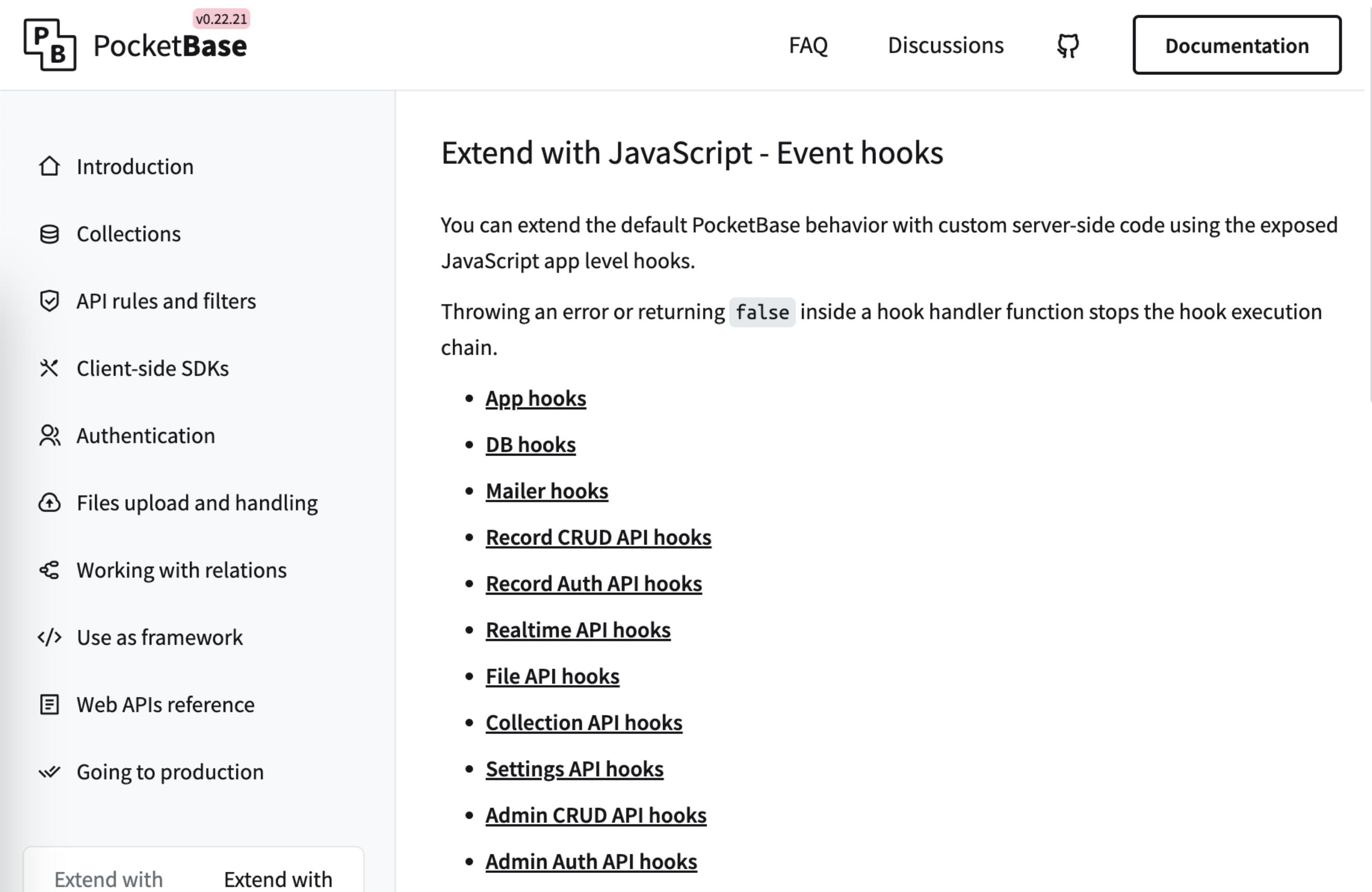
PocketBase hooks are a powerful feature that allows you to extend the default behavior of your application with custom server-side code. Here’s how you can use them to build real-time apps:
Setting up your environment
- Create a
pb_hooksdirectory next to your PocketBase executable. - Inside this directory, create JavaScript files with the
.pb.jsextension.
For example, create a file named main.pb.js in the pb_hooks directory:
/// <reference path="../pb_data/types.d.ts" />
// Your hooks code will go here
The reference comment at the top enables TypeScript declarations for better code completion in supported editors.
Creating your first hook
Let’s create a simple hook that logs a message when a new record is created:
onModelAfterCreate((e) => {
	console.log(`New ${e.model.tableName()} created with id: ${e.model.id}`);
}, 'posts');
This hook will trigger after a new record is created in the “posts” collection.
Building real-time functionality
To create real-time functionality, you can combine hooks with PocketBase’s built-in realtime API. Here’s an example:
onModelAfterCreate((e) => {
	const record = e.model;

	// Send a realtime update to all clients subscribed to this collection
	$app.dao().publishSubscriptions(`collections/${record.tableName()}`, {
		action: 'create',
		record: record
	});
}, 'posts');
This hook will send a real-time update to all clients subscribed to the “posts” collection whenever a new post is created.
Listening for updates in your frontend
In your frontend application, you can listen for these updates using the PocketBase JavaScript SDK:
import PocketBase from 'pocketbase';

const pb = new PocketBase('http://127.0.0.1:8090');

pb.collection('posts').subscribe('*', function (e) {
	console.log(e.action);
	console.log(e.record);
});
This code subscribes to all changes in the “posts” collection and logs them to the console.
Advanced usage
You can use hooks for more than just real-time updates. Here are some examples:
- Data validation:
onModelBeforeCreate((e) => {
	if (e.model.get('title').length < 5) {
		throw new Error('Title must be at least 5 characters long');
	}
}, 'posts');- Sending emails:
onModelAfterCreate((e) => {
	if (e.model.tableName() === 'newsletter_subscriptions') {
		// Send welcome email
		$app.newMailClient().send({
			from: 'noreply@yourdomain.com',
			to: e.model.get('email'),
			subject: 'Welcome to our newsletter!',
			html: '<p>Thank you for subscribing!</p>'
		});
	}
});- Integrating with external services:
onModelAfterCreate((e) => {
	if (e.model.tableName() === 'orders') {
		// Integrate with payment gateway
		// This is a simplified example
		const paymentGateway = require('./paymentGateway');
		paymentGateway.processOrder(e.model);
	}
});
Remember, hooks run on the server-side, so you can perform operations here that you wouldn’t want to do on the client-side for security reasons.
For more detailed information on available hooks and their usage, refer to the PocketBase JavaScript Hooks documentation.
By leveraging these hooks, you can create powerful, real-time applications with PocketBase. Happy coding!